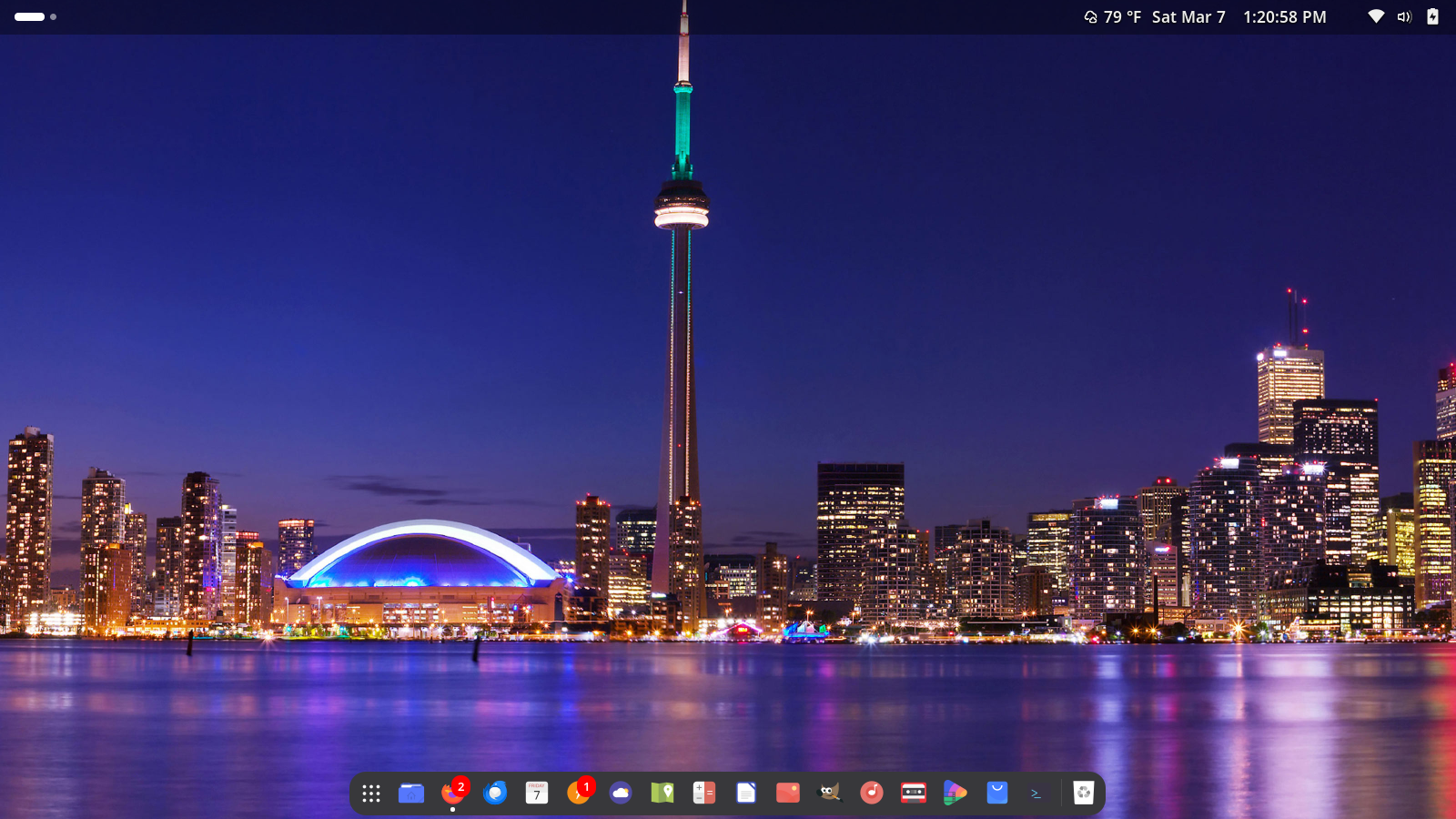
I reinstalled the Fedora Linux operating system yesterday and I have been settling in by downloading programs and importing files. Some stuff didn’t look right but with a Google search and some very light copying and pasting into the terminal things are looking and working good.
I must say that the vanilla Gnome desktop environment experience is good and allows for modifications. Figuring stuff out is exciting.
I run Linux Mint as my desktop and laptop operating system. It is free, open-source, and runs well on older hardware like mine. They released a terrific upgrade with some new and updated features so I have installed it on both of my machines and they run very well. I can do everything on Linux that I can do on Microsoft Windows without the bloat and slowdown.
Among the many things I like is when Linux Mint does an upgrade it doesn’t take forever to set up. I use Linux Mint 22.1 for web browsing, media, word processing, and playing games like Tetris and Solitaire and much more. So, It’s been fun setting things up and customizing the look on both machines.
Many machines are going to be without support from Microsoft as Windows 10 support ceases soon. I suggest Linux Mint for anyone who needs a fresh, modern operating system to keep their older machines running. There is a lot of support out there to help you get it running and use it for everyday tasks and the like.
For years I used Microsoft Windows just like everyone else. I got tired of it and switched to Linux. Now that I have a new computer loaded with Windows 10 Professional I am really enjoying all the new things it’s bringing to the table. I like all the cool features built-in and the software store.
I have been able to get digitally organized and I have a few social apps running too. My computer is a refurbished Dell and there was a clean install of Windows 10 without a lot of bloat-ware. You can do a great deal with Win 10 without a lot of other software installed. As I mentioned before the software store allows you to download a lot of cool apps many of which cost you nothing. I am even enjoying the hybrid Edge-Chromium web browser.
All-in-all I am really enjoying. I am an old school desktop guy so this new system I have is agreeing with me. Blogging from a desktop is my favorite way to post. You can be geeky and rock it like Bill Gates. My view of Microsoft has indeed softened and I am warming up to it.
I have changed Linux desktop OS again. This time it’s a keeper (yeah, I have said that before) but it’s different, believe me.
This is a screenshot of Linux Lite 3.2 which is based upon Ubuntu 16.04. To me doing something that is not the “normal” is a way of life and computing is one of those things. You would be surprised what is running some sort of Linux, UNIX or some other open source software in your house. To me running it on the desktop allows my older PC to keep running and to be like new again.
Linux Lite does that in so many ways because its lighter on system resources and provides a wide range of tools and applications to do everything from blogging, photo organizing, editing, creating documents, listening to music, watching videos and so much more and there are free updates every so often. I am very pleased with how this is working. There will be a lot of content coming from this setup. You can even download the desktop version of WordPress and use it on Linux.
Linux Mint 18 (Sarah) XFCE Edition. With my favorite wallpaper.
I am now running Linux Mint 18 XFCE edition. This is a lighter Linux desktop distro which means it performs faster without sacrificing style. The operating system came loaded with the things I need to be productive and to be able to do a lot of cool stuff. One great thing about Linux is that you can make it your own by customizing the look and I did just that. I am pleased with the way things look and function. Open Source Technology like this can be a lot of fun and it doesn’t cost you anything.
A Screenshot of The Ubuntu Desktop with the Ubuntu Website
I have finally settled on Ubuntu 16.04.1 which is running really well so far on the new desktop. Ubuntu is an Open Source operating system that runs like Windows or iOS but it’s free and is largely community and developer supported. At the moment I am downloading free software so I can do things like edit photos, manage media and to create stuff for the blog and so much more.
You may ask why not just use Windows…well I have been a fan of Linux for years. I have been able to take old computers and give them new life because there is less bloatware and that sort of thing. It’s also a matter of being able to upgrade without cost. My Chromebook is based of of Linux too so it runs on the same principle.
Creating and connecting is going to be a lot of fun using this new configuration.




 The Tony Burgess Blog