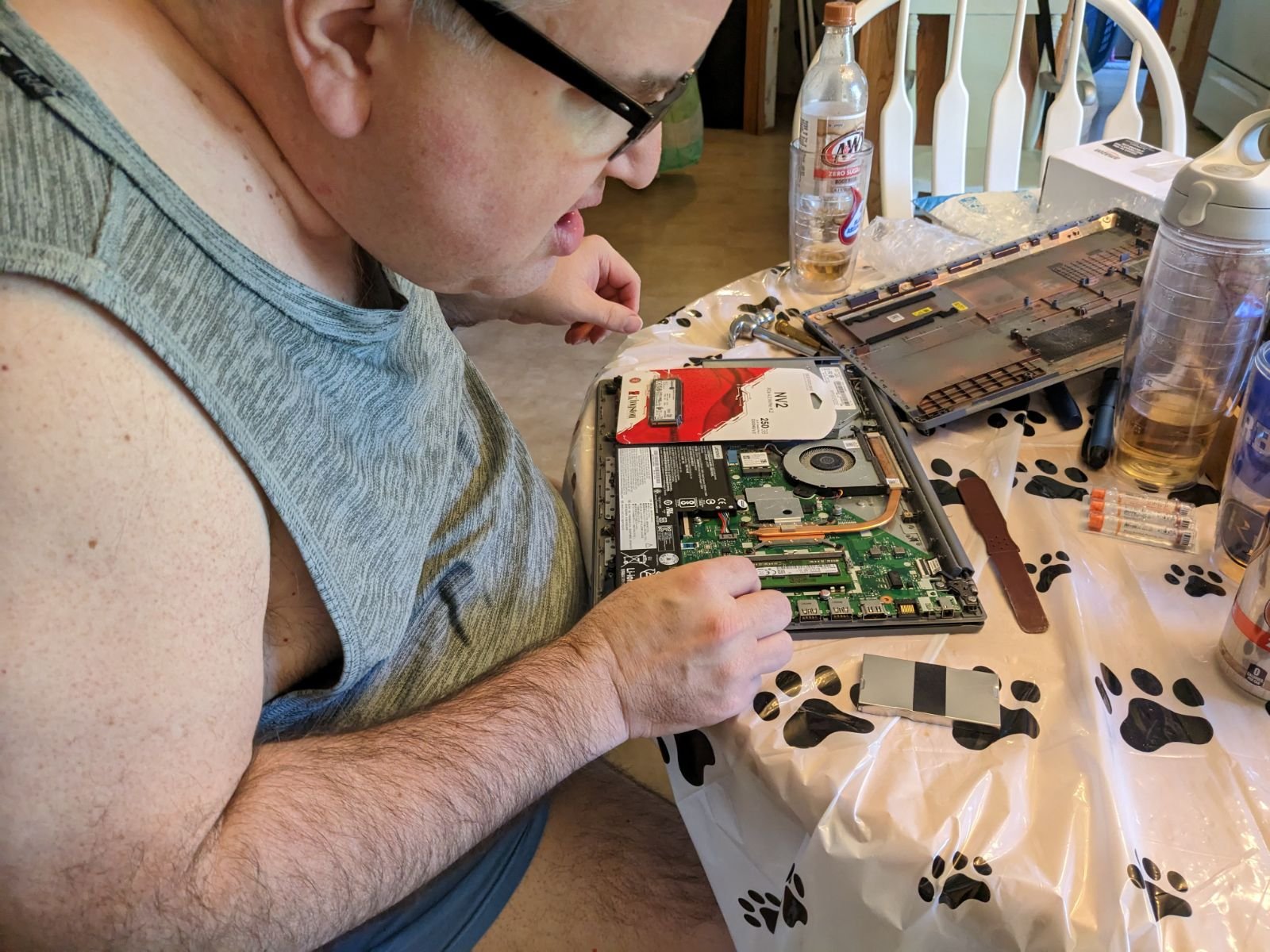
I did some upgrading to my laptop today. I added an 8 gig memory stick and a 250 gig solid state drive (MNVE 2.0). This straightforward operation took a lot of unscrewing and prying and some seating of the memory and drive. Then I had to put everything back together again. After everything was reassembled it worked and I was happy. This should extend my laptop’s life and speed things up. It was a fun thing to do.
Thanks to the Mrs. for her help in providing me the right tool for the job and taking this picture.
I have installed Ubuntu 22.04 on my laptop. This is now a dual-boot system with Windows 10 on the other partition. Having some flexibility in my computing is a good thing.
I can do a lot of things using this open-source operating system including all the things that go into blogging. The system seems to run faster and I have done a good amount of customization, and the computer I use has a couple of years on it. Nerds love stuff like this if you ask me.
Yes, I am a big fan of Toronto as you can see on my wallpaper.
A clean install of your computer’s operating system is a good idea. However, when you have to do it because you screw up is not always fun. I have made that error more times than I can count. Fortunately, my prior experience is helpful when unscheduled maintenance is needed. Being a geek is beneficial when you need to correct your mistakes. It’s helpful to be a geek if you ask me.
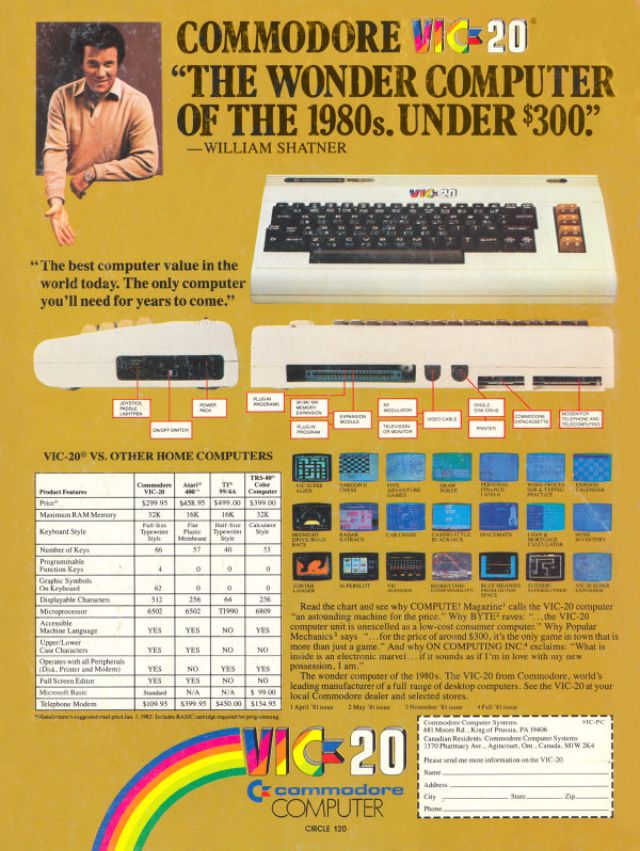
This was my first ever computer. I was thrilled to get it for Christmas in 1982 (I think). Commodore Computers were popular in my family because my dad had a Commodore PET computer as well. This ad featuring William Shatner makes it all the cooler.
I have been running Microsoft Windows exclusively on my home desktop computer since I got it several months ago. Windows has served me well at work and at home but I got the itch to dual boot operating systems on my computer so I installed Ubuntu Budgie which is an open source Linux based operating system that works a lot like Windows and looks a little like the Mac OSX.
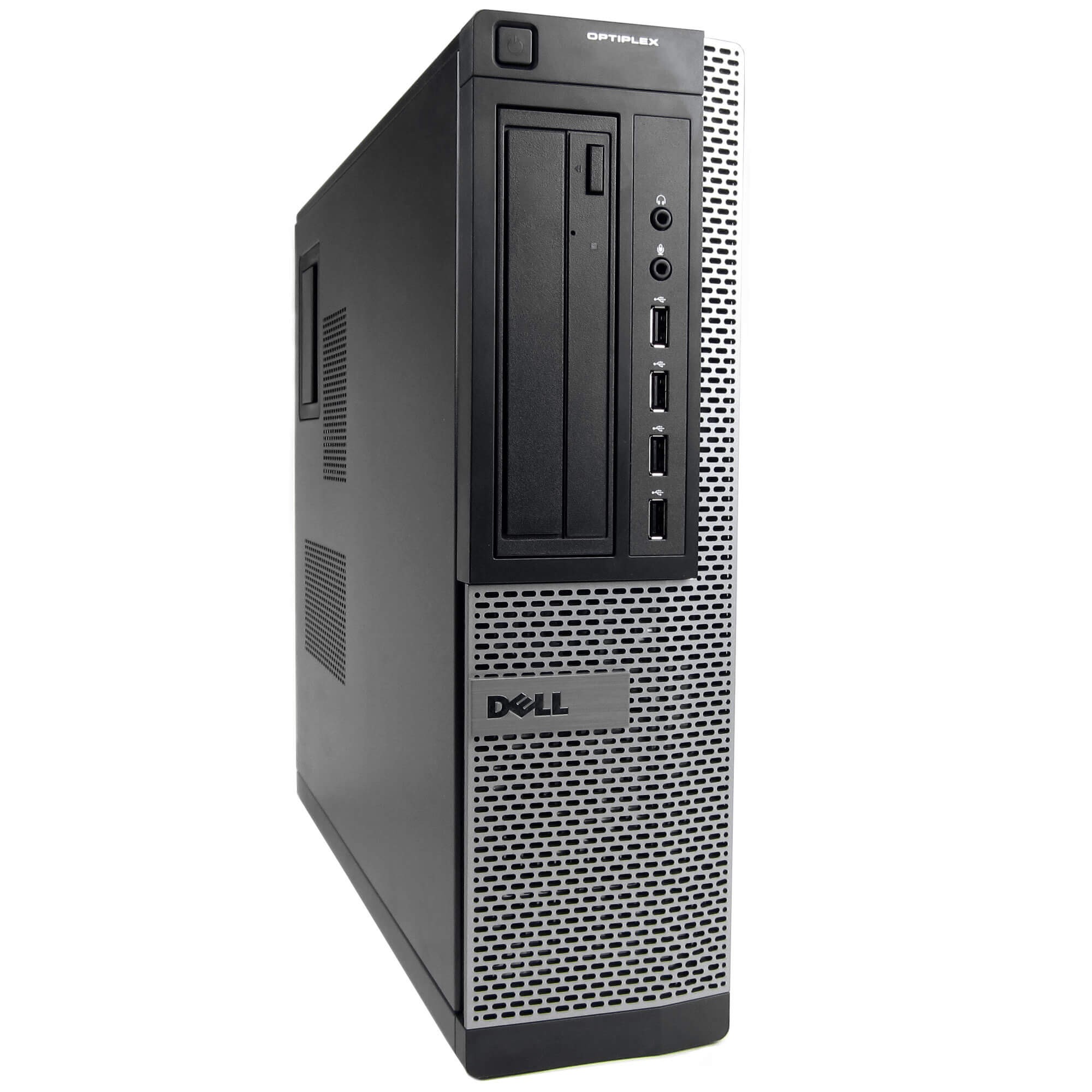
This Dell Optiplex 7010 is the same computer I have at home and on my desk at work.
Both OS’s have their strong points but like Hannah Montana I wanted the best of both worlds. Linux is much more customizable because it is open source. Windows has a rich application platform and I need it for home productivity and there are things that it runs that Ubuntu Budgie does not.
In a way it allows me to have two somewhat different computers in one. This is going to give me flexibility and a little bit of fun. As a matter of fact I am writing this post on Ubuntu Budgie.
I am a minimalist when it comes to my computer desktop. There are no icons on it other than those on the lower taskbar on Windows 10. The desktop depicted on the right in the above illustration would drive me nuts and I don’t know how people find things with it that chaotic. To me in this situation less is more.