Tag Archives: linux

A Commentary on Linux and Computer Hardware

Apple launched a new series of MacBooks recently called Neo. They are powered by the same chips that power iPhones. I think the company is producing so many new things that something you bought last year seems obsolete. That planned obsolescence cannot be good for the environment because of the e-waste it produces. We are also aware of Windows 11 making many systems obsolete too.

I am glad to do my part to keep older machines going as long as possible. Thanks to Linux working on perfectly good machines it can make a difference. It’s also fun and cool to keep an older system going with a little creativity such as more memory and SSDs. To the Linux community lets keep making our favorite distros better and easier for new users to come on board so they can save some time and money.
I recommend ZorinOS, Fedora or Linux Mint for anyone wanting to get into the Linux game. They are powerful operating systems that is easy on older systems. They are also full of features that will help you get things done such as web browsing, word processing, graphics, podcasts, email, music, gaming and more.
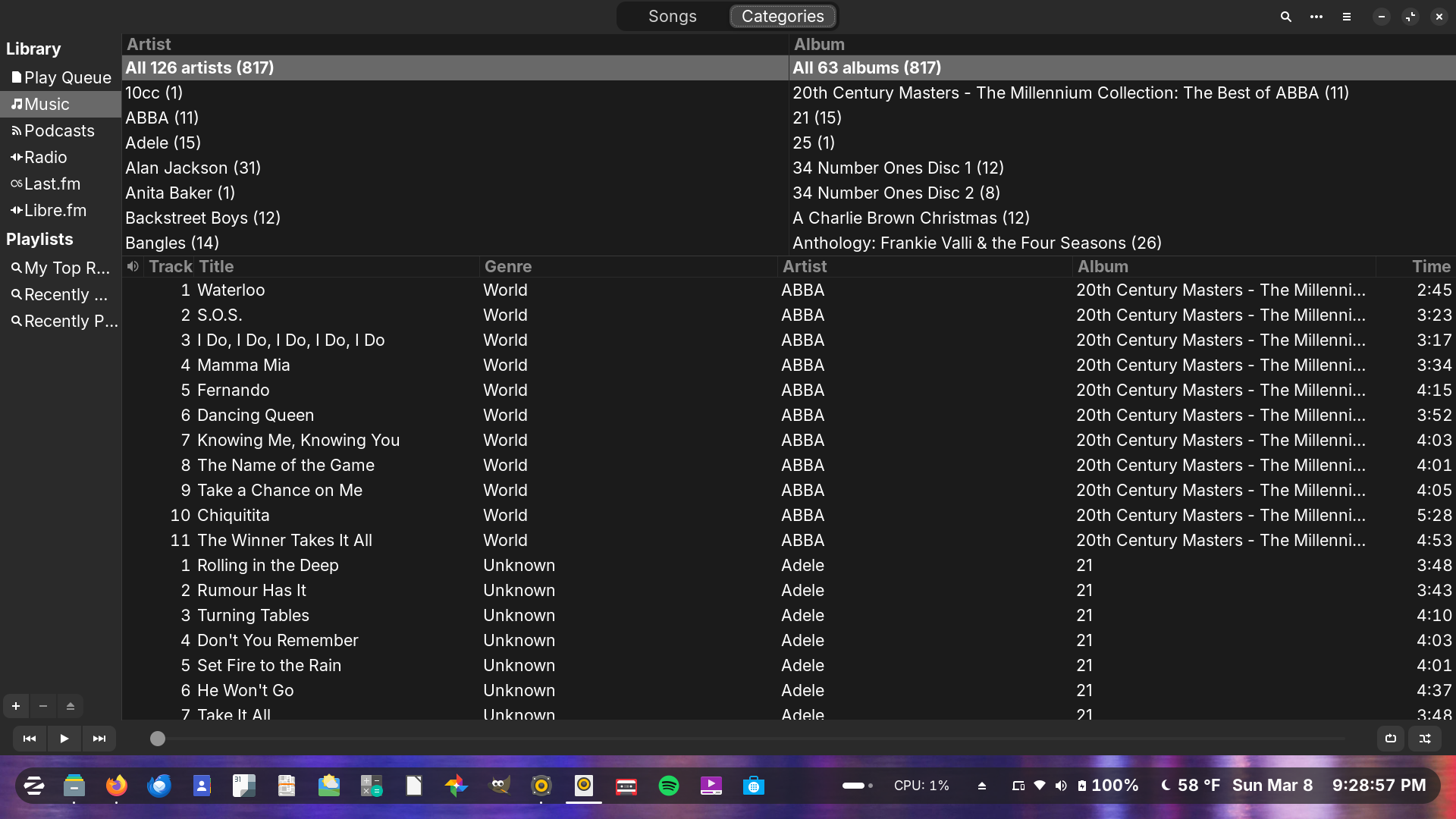
Making Music With Linux and CD’s

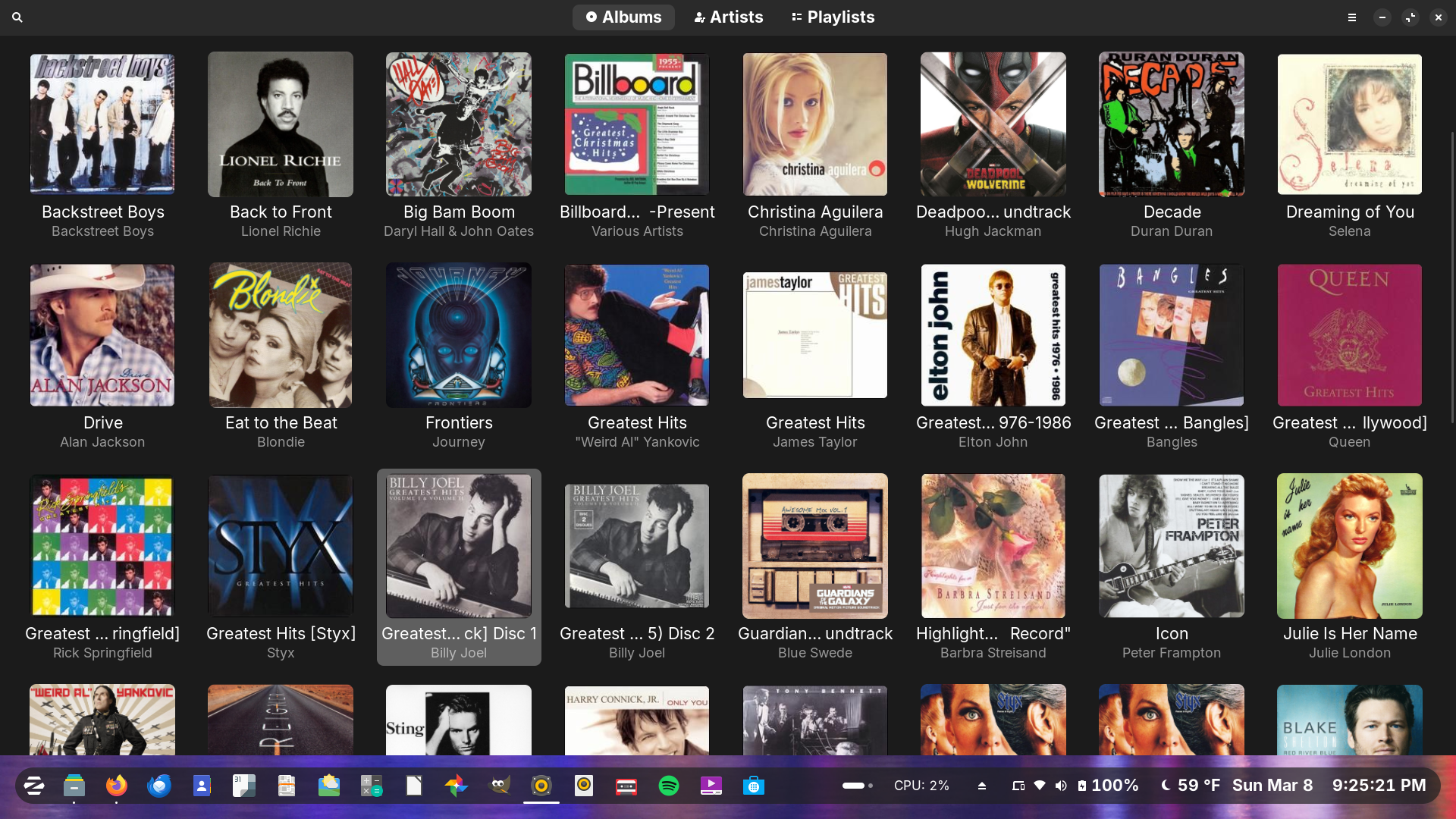
Gnome Music

I have been making music in a way by taking some of our CD’s and ripping them to my digital collection on my laptop. I have been using the Linux program Rhythmbox to import the music and then visually organizing the albums on Gnome Music where I will play them from.

Rhythmbox

Furthermore, I am saving them in the open source Ogg Vorbis format and tagging them so they can have the album art can be found online and embedded to each title. They won’t be going online for sharing just so that people with power will know it will be for personal use only. This is a retro way of doing things I would imagine, but it is fun.

From Nerd Corner – Figuring Out Fedora


I reinstalled the Fedora Linux operating system yesterday and I have been settling in by downloading programs and importing files. Some stuff didn’t look right but with a Google search and some very light copying and pasting into the terminal things are looking and working good.

I must say that the vanilla Gnome desktop environment experience is good and allows for modifications. Figuring stuff out is exciting.

Nerds Connect Through Pizza

We ordered pizza from Domino’s for dinner tonight. The delivery driver who did a good job saw the Linux t-shirt I was wearing, and we struck up a very short conversation about our favorite distro. He said he was a casual Linux Mint user while I am a Zorin OS guy myself. It’s cool when nerds find connections with one another.

Nerd Corner Endorses – All Open Source

I wanted to share with you the operating system and apps that powers Nerd Corner. I use them on my desktop and laptop computers. They are vital to me in my creative endeavors. I use them daily to make connections with my family, friends and this blogging community. Check them out and give them a spin.

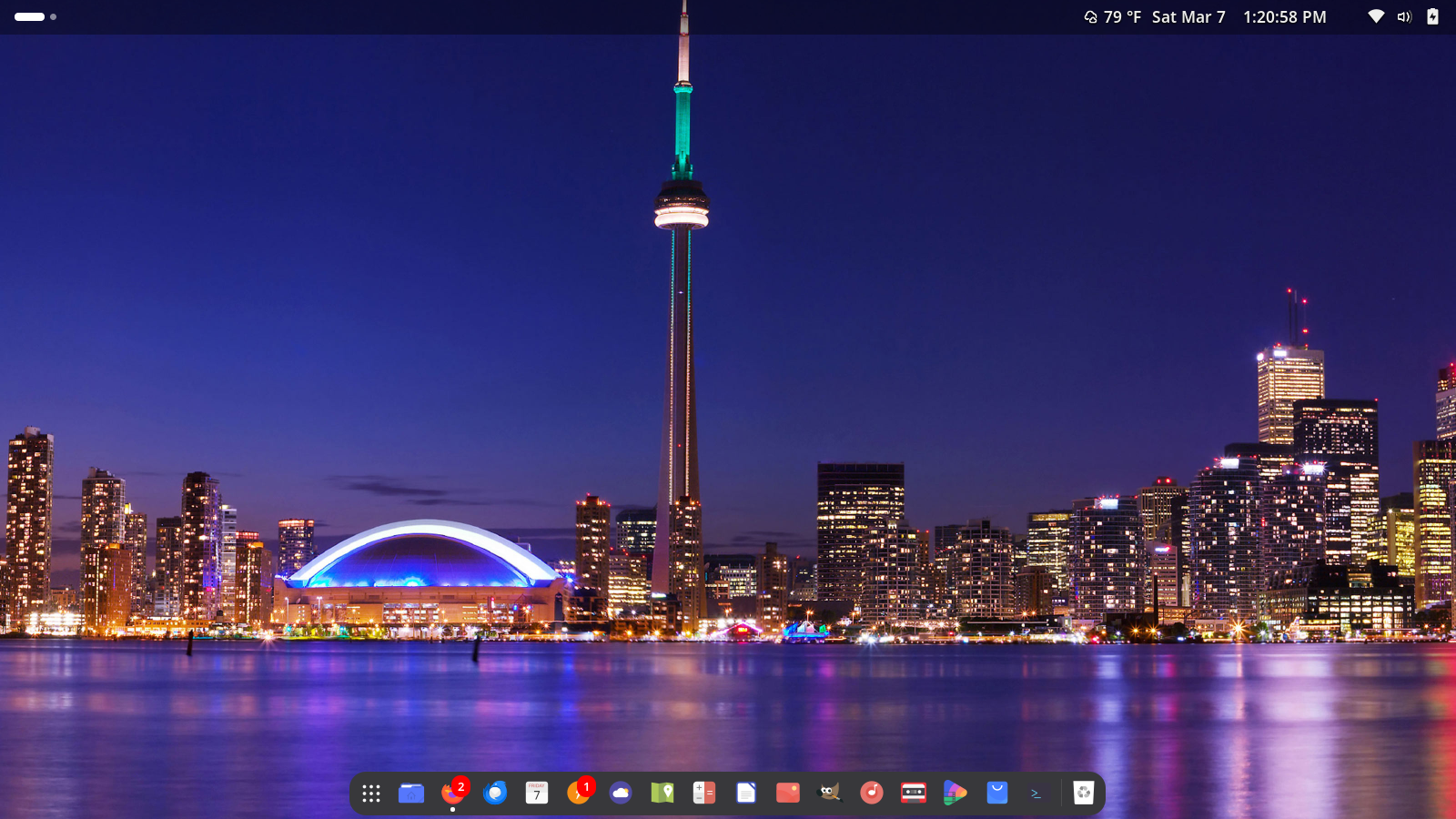
Zorin OS 18

I love Linux and my official operating system is Zorin OS, which is in its 18th version. It powers both my desktop and laptop. This open source software looks and feels like Microsoft Windows, and many use it because of that reason. You don’t have to put up with all the bloat and ads of Windows 10/11. It comes with loads of productivity and entertainment software already installed and has a library of thousands of apps I can download to make it my own.

Mozilla Firefox

Mozilla Firefox is my long-time favorite browser because it is open source, secure and offers enough features that don’t get in the way of getting stuff done. I use Firefox for browsing the web, posting blogs, watching YouTube videos, e-commerce, and connecting to others on social media among other fun things. There is also a mobile app that I use daily.

Thunderbird Email

Thunderbird is my go-to email app. You can send and receive email from various places like Gmail, Yahoo and the like. It is highly customizable so you can make it work for you. It also comes with a built-in calendar you can sync to your online calendar. Not only that, but it’s also secure.

In disclosure, I have made a very small donation to the organizations that maintain and distribute these programs. If you use them, it makes sense to support them in whatever way you can. Each of them are also non-profit and community supported, which is something I feel good about.

RIP Microsoft Windows 10

Today is the end of life for the Microsoft Windows 10 operating system. After today there will no longer be updates sent out unless you buy extended service programs.

Upgrades to Windows 11 are available to compatible computers.

Windows 10 Ends On October 14, 2025

Those who don’t have machines that will run Windows 11 will have to buy a new computer or use open source operating systems like Linux Mint to keep their systems from becoming unusable. I do recommend Linux for those with some experience. Thank you Windows 10 for your service.